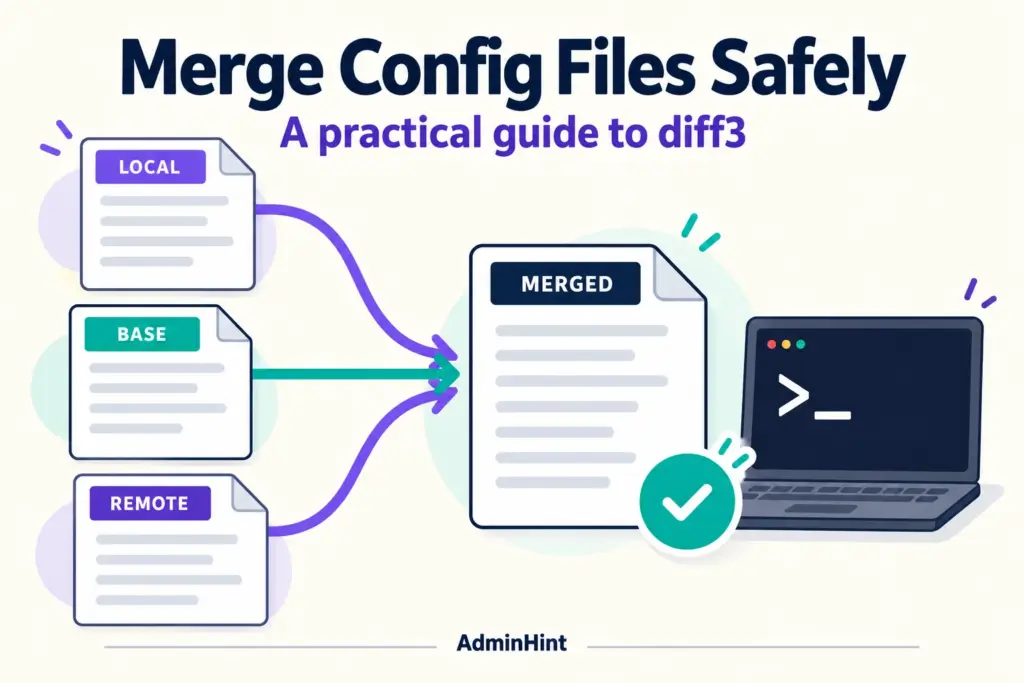

A configuration file can look like a few harmless lines until two people edit the same setting. A diff3 merge lets you compare both edited files with their shared original, so you can see what changed and resolve disagreements without blindly overwriting work. This guide explains how three-way merging works, how to create a safe candidate file, how to read conflict markers, and how to validate the result before deployment.
The examples use GNU diff3 on Linux and deliberately simple text files. They do not change a live service. Treat the commands as a practice exercise first, then adapt the review and validation steps to the application that owns your real configuration.
Why a three-way merge is safer than copying a file
Suppose you edited app.conf to increase a timeout, while a colleague added a logging setting. If you copy your file over theirs, one change disappears. If you copy their file over yours, the same problem occurs in reverse.
A normal two-file comparison shows that the files differ, but it does not always explain why. A three-way merge adds the common original, often called the base file. The tool can then distinguish between changes made only on the local side, changes made only on the other side, and changes made by both people.
Think of the base file as a map of the starting point. Without that map, you can see two destinations but cannot reliably tell which road each person took. A diff3 merge uses all three files to make that history visible.
Prepare the base and edited configuration files
The most important preparation step is finding a trustworthy common original. The base must be the version from which both edited files were created. It is not simply “the older-looking file,” and it is not necessarily the version currently installed on a server.
Use clear filenames and keep the argument order consistent:
| Position | Example | Purpose |
|---|---|---|
| First | local.conf |
Your edited version |
| Second | base.conf |
The shared original |
| Third | remote.conf |
The other edited version |
The GNU diff3 manual describes this order as mine, older, yours. In this article, “local” is the first edited file and “remote” is the third. If you swap the base with an edited file, the command may still run, but its explanation of the changes will no longer be trustworthy.
Before merging a real file, make a working copy and record where each input came from. For example, a base from version control, a local file from a test host, and a remote file sent by a colleague should be documented separately. Clear provenance makes later review much easier.
Practice a diff3 merge with a harmless example
Practice in a new directory under your home folder. The following commands create only the named files, so do not run them in a directory containing configuration you need:
mkdir -p "$HOME/diff3-practice"
cd "$HOME/diff3-practice"

printf 'timeout=30\n' > base.conf
printf 'timeout=60\n' > local.conf
printf 'timeout=45\n' > remote.conf

diff3 local.conf base.conf remote.conf
Here, both edited files changed the same line from the base. One side selected 60 seconds and the other selected 45 seconds. GNU diff3 cannot know whether the service needs a longer timeout, a shorter timeout, or a different design entirely. That is a configuration decision for the person responsible for the application.
Now try a change that should combine cleanly:
printf 'timeout=30\nlog_level=info\n' > base.conf
printf 'timeout=60\nlog_level=info\n' > local.conf
printf 'timeout=30\nlog_level=debug\n' > remote.conf

diff3 local.conf base.conf remote.conf
This time, each editor changed a different line. The tool can usually preserve both changes because their intent does not conflict. That is the main advantage of a three-way comparison: it does not treat every difference as a dispute.
Generate a candidate instead of replacing an input
Use the -m option to write merged output, including markers where diff3 finds a conflict. Always write to a new candidate file:
diff3 -m local.conf base.conf remote.conf > merged.candidate.conf
merge_status=$?
printf 'diff3 exit status: %s\n' "$merge_status"
Capture the exit status immediately. GNU diff3 reports 0 when the merge completes without conflicts, 1 when conflicts are found, and 2 when it encounters trouble. A status of 1 does not mean that no output exists; it means the candidate needs human review. In a script that uses automatic exit-on-error behavior, handle that expected conflict status deliberately.
Never redirect output to one of the input files. Shell redirection can truncate the destination before diff3 reads it. Keeping local.conf, base.conf, and remote.conf unchanged lets you repeat the operation, test another decision, or show reviewers exactly what the merge used.
A useful working pattern is to keep the original files read-only during review, if your process allows it, and give the candidate a name that clearly says it is not ready for deployment. The word “candidate” prevents a common mistake: treating generated output as approved configuration.
Read and resolve conflict markers
Open merged.candidate.conf in an editor and search for conflict markers. A quick command-line check is:
grep -nE '^(<<<<<<<|=======|>>>>>>>)' merged.candidate.confThe marker block shows competing content. It is not valid application configuration, so do not deploy the file while markers remain. Read the surrounding lines, identify the setting that needs a decision, remove the marker lines and unwanted alternatives, and leave only the intended final text.
For the timeout example, you might decide that the service should use 45 seconds because the application owner approved that value. The resolved section should contain the chosen setting, not both values and not an unexplained compromise. Record the reason in your change review or deployment note.
After editing, search again:
if grep -nE '^(<<<<<<<|=======|>>>>>>>)' merged.candidate.conf; then
    printf 'Unresolved conflict markers remain\n' >&2
    exit 1
fi
No matches are a useful check, but they do not prove that the file is correct. A marker-free file can still contain a wrong value, a duplicate key, a missing include, or a setting that is unsafe for the target environment.
Validate configuration syntax and behavior
After resolving text conflicts, perform config validation in the application’s own language. A syntax check answers, “Can the program parse this file?” It does not always answer, “Will this configuration produce the behavior we want?”
Use the application’s documented validation command, if one exists, and point it at the candidate rather than the active file. The exact command varies by service. Some programs offer a test or check mode; others require starting a separate test instance. Do not guess a command or assume that a successful shell command means the application accepted every setting.
For a real deployment, review these points:
- Confirm that the validator read
merged.candidate.conf, not the already-active configuration. - Check file ownership, permissions, paths, and referenced include files.
- Look for duplicate keys and understand how the application handles them.
- Test the behavior affected by the change in a suitable nonproduction environment.
- Back up the active file before following the service’s normal install and reload procedure.
- Keep the three inputs, the resolved candidate, and a short decision note together.
For example, a file can pass a basic parser check while pointing to a certificate path that does not exist on the target host. Another file can be syntactically valid but set a logging level that creates unexpected disk usage. Validation should cover both structure and the operational effect that matters.
Walkthrough: from conflict to approved configuration
Consider a small service with a base file containing a timeout and a log level. A local administrator changes the timeout to 60 seconds. A colleague changes it to 45 seconds and raises the log level for troubleshooting. The files are text, but the decision still has operational consequences.
- Confirm the base. Verify that
base.confis the original from which both edited files were made. If the base is uncertain, pause and locate it instead of calling the comparison a reliable three-way merge. - Inspect the inputs. Read each file and use a normal comparison if needed. This gives you context before the tool creates output.
- Run the command safely. Use
diff3 -mwith a new output path. Save the exit status before running another command. - Review the candidate. Resolve the timeout conflict with the application owner’s approved value. Preserve the logging change if it is independent and still wanted.
- Search for markers. Use
grepor an editor search. Repeat the check after every manual resolution pass. - Run config validation. Use the service’s documented syntax or test mode against the candidate. Fix errors and repeat the review.
- Deploy through the normal process. Back up the active file, install the approved candidate, reload or restart as documented, and check the behavior that motivated the change.
This diff3 merge is successful only when the result is understood and tested, not merely when the command finishes. The tool combines text; people supply policy, context, and approval.
Common mistakes that make merges risky
Using the wrong base file
A base that is unrelated, already modified, or taken from the wrong environment can make a clean result misleading. If the two edits do not share a genuine starting point, locate the correct original or use a different review method.
Overwriting an input
Redirecting output into local.conf or another input can destroy evidence before the command has read it. Use a separate candidate and replace the active file only after review, validation, and backup.
Choosing one side automatically
“Take ours” or “take theirs” may remove a conflict marker, but it can also discard a necessary security, performance, or compatibility change. Resolve each meaningful block based on the application’s requirements.
Confusing clean text with correct behavior
A clean merge can still combine settings that conflict at runtime. Includes, environment-specific paths, permissions, and duplicate directives deserve their own checks.
Ignoring line endings or generated files
Files generated by another program may not be intended for manual editing. Large formatting changes can also hide the meaningful change. When content is generated, update its source and regenerate it through the normal workflow.
When another merge workflow is a better choice
Use the project’s established version-control workflow when the configuration already lives in Git or another review system. That process may provide history, approvals, automated tests, and an audit trail that a standalone command cannot provide.
A plain-text diff3 merge is also a poor fit for binary files, encrypted content, or formats with specialized structure. In those cases, use the application’s export and import tools or a format-aware editor. If you have only two files and no trustworthy base, describe the work as a comparison rather than pretending it is a three-way merge.
For supported options and exact behavior, consult the GNU diff3 option reference. A general introduction is also available from How-To Geek’s diff3 guide. Keep the official documentation close when scripting the command, especially around exit statuses and output behavior.
FAQ about a diff3 merge
What is a diff3 merge?
A diff3 merge compares two edited files with their shared base file. It can combine independent changes and mark places where both sides changed the same content differently.
Which file should be the base in diff3?
The base should be the trustworthy common original from which both edited files were created. It is normally supplied as the second argument in the GNU diff3 command: local file, base file, then other edited file.
What does a diff3 exit status of 1 mean?
For GNU diff3, status 1 indicates that conflicts were found, while status 0 indicates no conflicts and status 2 indicates trouble. Review the generated output and handle status 1 explicitly if the command runs in a script.
Can I deploy a file after removing all conflict markers?
Not automatically. Removing markers only shows that the text is no longer visibly unresolved; you still need application-specific config validation, a review of the settings, and an appropriate test or deployment check.
Make the next merge repeatable
The safest habit is simple: preserve the base, preserve both edited inputs, generate a separate candidate, review every conflict, and validate with the application that will consume the file. A diff3 merge helps expose competing edits, but it cannot decide business rules or operational priorities for you.
For your next change, start with the harmless practice directory or a copied configuration, verify the base before running the command, and write down why each conflict was resolved. That small discipline turns a risky overwrite into a reviewable, repeatable change.