
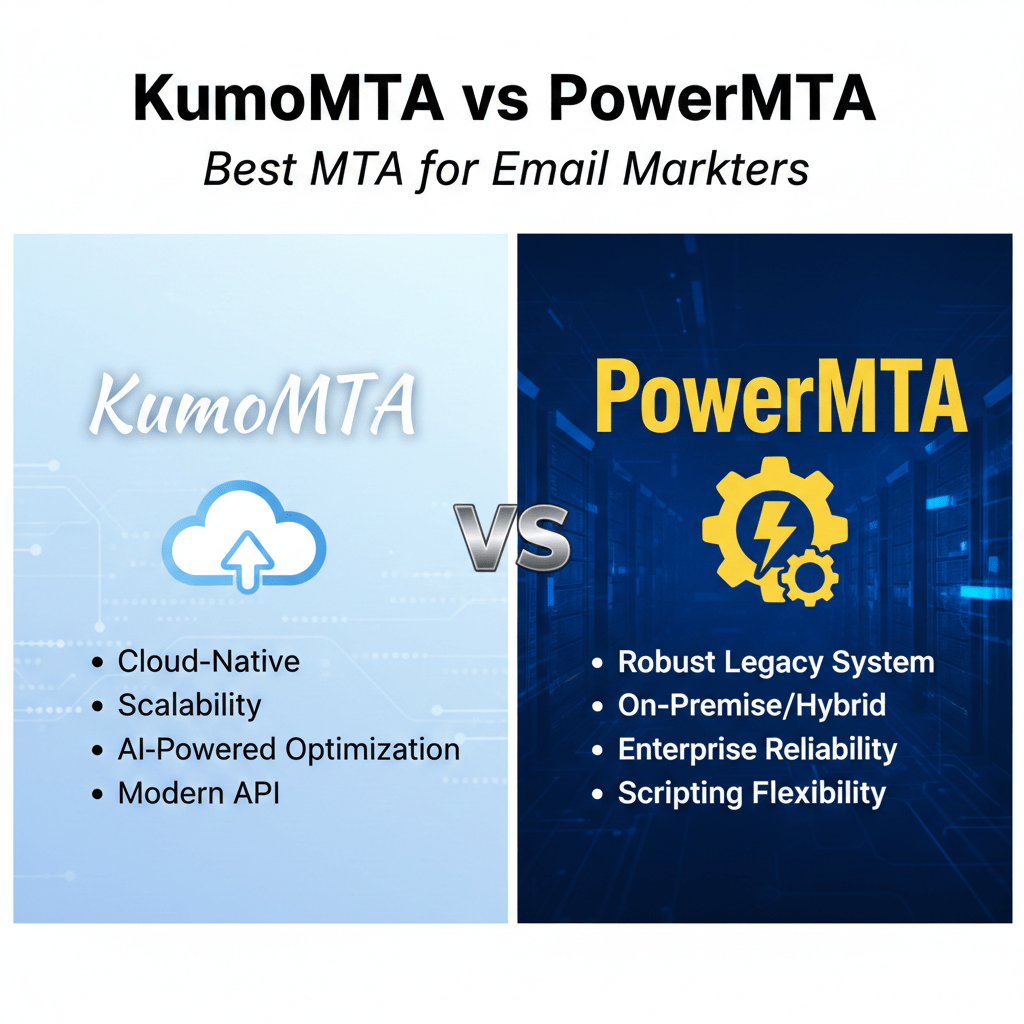

A faster mail server does not automatically put more messages in the inbox. If your team is choosing between KumoMTA and PowerMTA, the real decision involves cost, operational control, sender reputation, support, and the skills available to run the system. This KumoMTA vs PowerMTA guide explains how both platforms work, where each fits, and how to evaluate them before changing your email infrastructure.
Both products are Mail Transfer Agents, or MTAs. An MTA is the software that accepts outgoing email, places messages in queues, connects to recipient mail servers, retries temporary failures, and records delivery results. Think of it as a logistics hub: the hub can process packages quickly, but successful delivery still depends on accurate addresses, routing rules, and the recipient’s decision to accept each package.
What an MTA does for an email marketing program
Your campaign platform creates the message and decides who should receive it. The MTA then handles the delivery conversation with recipient systems such as Gmail, Microsoft, Yahoo, corporate gateways, and other mail servers. That work includes connection management, queue processing, retries, encryption, authentication, bounce handling, and traffic control.
An MTA usually sits between your application and the public email system. It does not replace permission-based marketing, list hygiene, good content, or a clear unsubscribe process. Instead, it gives technical teams more control over how legitimate mail is sent and how delivery events are investigated.
For example, imagine an online retailer sending a product update to customers in the United States, Canada, Germany, and France. The retailer may need separate sending identities, different traffic limits for recipient domains, clear bounce categories, and a way to pause one stream without stopping every campaign. The MTA is responsible for much of that delivery plumbing.
KumoMTA vs PowerMTA: architecture and performance
KumoMTA is an open-source MTA designed for flexible, high-volume delivery and modern infrastructure. Teams can inspect its configuration approach, adapt workflows, and run it on infrastructure that suits their operating model. Its appeal is especially strong for organizations that already use cloud servers, automation, containers, and observability tools.
PowerMTA is a commercial MTA with a long history in high-volume email operations. Its value comes from mature operational patterns, detailed controls, established integrations, and access to commercial support through its provider ecosystem. It is commonly considered by organizations that need formal accountability or want to build on an existing PowerMTA deployment.
Neither platform should be selected from a throughput claim alone. Your result depends on CPU and memory, disk behavior, network quality, queue size, message composition, connection limits, recipient responses, and the way your team tunes the system. A small, well-operated installation can be more reliable than a larger installation with weak monitoring.
| Evaluation area | KumoMTA | PowerMTA |
|---|---|---|
| Operating model | Open-source and self-managed, with optional professional help | Commercial software with vendor and partner support options |
| Best fit | Teams seeking flexibility and cloud-oriented operations | Organizations seeking established controls and formal support |
| Scaling question | Can your team automate, monitor, and tune the platform? | Do licensing and support terms fit your growth plan? |
| Main trade-off | More responsibility for internal operations | More commercial cost and dependence on licensing terms |
The practical lesson is simple: benchmark both systems with your own message mix and recipient destinations. Test queue growth, retry behavior, resource use, logging, and recovery from failure. That evidence is more useful than assuming one MTA is universally faster.
Email deliverability, authentication, and traffic shaping
Email deliverability means the likelihood that an intended message is accepted and made available to the recipient. It is broader than inbox placement. A message can be accepted by a recipient system and still be filtered, categorized, delayed, or sent to spam.
Both platforms can be used as part of a setup that supports sender authentication, domain-based policies, IP management, bounce processing, and per-domain delivery controls. However, the exact implementation depends on your configuration, surrounding systems, and product version. Confirm current capabilities in the official KumoMTA documentation and PowerMTA product documentation.
Traffic shaping is the practice of adjusting delivery behavior for a destination. For example, a team may send more gradually to one recipient network after temporary deferrals, while allowing another network to receive a different rate. Shaping can reduce queue pressure, but it cannot repair an unwanted campaign, poor list quality, or a damaged sender reputation.
Authentication is equally important. SPF, DKIM, and DMARC help recipient systems evaluate whether a message is authorized and whether its visible sender aligns with the authenticated domain. An MTA can participate in this process, but your DNS records, domain strategy, message headers, and marketing practices must also be correct.
Keep throughput separate from inbox results
A useful evaluation asks two different questions. First, can the MTA reliably hand messages to recipient systems? Second, how do those systems and users treat the messages afterward? Combining these questions can lead to the wrong purchase decision.
- For MTA performance, measure queue visibility, retry control, resource use, logging, and recovery.
- For deliverability, review authentication, complaint signals, bounce patterns, engagement, and recipient feedback.
- For compliance, verify consent, suppression handling, unsubscribe processing, and regional requirements with qualified legal guidance.
Consider a newsletter publisher that sees a sudden fall in inbox placement. If the MTA delivered every message successfully but engagement and complaints changed, replacing the MTA may not solve the problem. The investigation should examine content, audience expectations, authentication, list sources, and recipient-side filtering.
Cost, licensing, and total ownership
KumoMTA’s open-source model can reduce software licensing costs. That does not make it free to operate. You still need hosting, storage, monitoring, backups, security maintenance, engineering time, incident response, and possibly paid support or consulting.
PowerMTA uses a commercial licensing model. The price may be justified when your organization values a support agreement, vendor accountability, established processes, or a procurement path that requires commercial software. Review current terms directly with the vendor or an authorized provider rather than relying on old comparisons.
Build a total-cost worksheet before deciding. Include:
- Licensing or subscription expenses, if applicable.
- Cloud or colocation costs for production and test environments.
- Engineering time for setup, tuning, upgrades, and incident response.
- Monitoring, log storage, backups, and security controls.
- Migration work, IP warm-up, testing, and temporary parallel operation.
- Support, training, and any external deliverability assistance.
For example, a small agency may prefer KumoMTA because it can invest staff time instead of a large license budget. A regulated enterprise may choose PowerMTA because a documented support relationship and established change process matter more than minimizing software fees. Neither choice is automatically cheaper once labor and risk are included.
Operations, monitoring, and support
The best MTA is one your team can operate calmly during a problem. Before selecting a platform, identify who will monitor queues, investigate deferrals, rotate credentials, review logs, apply updates, and approve configuration changes.
KumoMTA can suit teams that want visibility into an open project and are comfortable owning more of the deployment. Those teams may connect the MTA to their existing metrics, dashboards, alerting, and automation. They should also document internal expertise so the system does not depend on one engineer.
PowerMTA can suit organizations that want a commercial support route and established operational practices. Support is not a substitute for internal knowledge, though. Your team still needs to understand message flows, suppression rules, authentication, queues, and the business impact of a delivery pause.
Operational checklist
- Can an operator identify which stream, domain, or IP is affected?
- Can the team distinguish a temporary deferral from a permanent rejection?
- Can you pause one campaign without stopping transactional messages?
- Are logs retained long enough to investigate a customer complaint?
- Can you restore a known-good configuration after a failed change?
- Does someone review bounce and complaint trends on a regular schedule?
Monitoring should show more than server health. A green CPU graph does not prove that recipients accept your mail. Track delivery events, response codes, queue age, authentication results, suppression activity, and campaign-level outcomes together.
Integrations and team fit
Your MTA must fit the systems around it. Review how it connects to your campaign platform, customer database, event pipeline, log management, alerting, secrets storage, and reporting tools. Also check whether your team prefers configuration files, APIs, scripting, managed infrastructure, or a vendor-led workflow.
A cloud-oriented engineering group may value automation, infrastructure as code, container workflows, and metrics that feed existing dashboards. A long-established email operations group may prioritize compatibility with current routing rules, reporting processes, partner tools, and staff experience.
Here is a practical example. A software company already uses automated deployment and centralized logs, but its email team is small. KumoMTA may provide the flexibility the engineers want, yet the company should budget for training and an escalation plan. Conversely, an agency with experienced PowerMTA operators may lose time by switching merely because another platform appears newer.
Migration and IP warm-up plan
Moving between MTAs is an operational project, not a simple software installation. A migration can affect IP addresses, domains, queues, authentication, event data, suppression lists, and reporting. Plan the move around the risk to recipients and revenue, not only around the date the new server becomes available.
A safer migration walkthrough
- Inventory the current system. Document domains, IPs, message types, sending volumes, authentication records, suppression sources, integrations, and alert rules.
- Build a test environment. Send authorized test messages and verify headers, DKIM signing, return paths, unsubscribe handling, logs, and bounce classification.
- Protect your data. Export or connect suppression lists and event records before routing production traffic. A migration should never cause a previously unsubscribed person to receive mail.
- Start with a controlled stream. Use a small, representative audience and compare acceptance, deferrals, bounces, complaints, and engagement with the existing path.
- Warm new IPs or domains carefully. Keep sending patterns predictable and increase traffic only when results support the next step. IP warm-up is the gradual building of sending history with recipient networks.
- Expand in stages. Move one message type, region, or recipient group at a time. Keep a rollback plan and avoid changing several major variables at once.
- Close the old path deliberately. Keep historical data, confirm suppression synchronization, and remove old routes only after the new system has passed your acceptance criteria.
Suppose a subscription company moves its weekly newsletter first but leaves password-reset messages on the existing system. This split can make comparison easier because the team can observe one traffic category while protecting a critical transactional path. Later, it can migrate additional streams after reviewing evidence.
KumoMTA vs PowerMTA: a practical decision guide
Choose KumoMTA when most of these statements are true:
- You want an open-source platform and flexible infrastructure choices.
- Your team can manage Linux operations, monitoring, security, and upgrades.
- You prefer to adapt workflows and integrate with modern automation.
- Reducing license costs is important, and you can fund engineering time.
Choose PowerMTA when most of these statements are true:
- You need commercial licensing and a formal support route.
- Your organization depends on established processes or existing integrations.
- Vendor accountability is important to procurement, risk, or compliance teams.
- Your operators already have experience with the platform and its tooling.
If the answer is mixed, run a proof of concept. Use the same message samples, domains, suppression rules, recipient groups, and monitoring requirements for both platforms. Score each one for reliability, operational effort, reporting, support, total cost, and migration risk.
Frequently asked questions
Is KumoMTA better than PowerMTA?
There is no universal winner. KumoMTA may fit teams that value open-source flexibility and can operate their own infrastructure, while PowerMTA may fit organizations that prioritize commercial support and established workflows.
Which MTA is best for email deliverability?
Neither MTA guarantees inbox placement. Deliverability also depends on permission, authentication, list quality, content, engagement, complaint levels, sending patterns, and recipient filtering.
Is KumoMTA free to use?
KumoMTA is open-source, but running it still creates costs for hosting, engineering, monitoring, security, and support. Estimate total ownership costs instead of comparing license fees alone.
How do I migrate from PowerMTA to KumoMTA?
Document the current setup, test authentication and event handling, synchronize suppressions, run controlled parallel traffic, and follow a measured IP warm-up plan. Keep a rollback option until the new path meets your acceptance criteria.
Conclusion: choose the operating model you can sustain
KumoMTA and PowerMTA can both support serious email delivery programs, but they represent different operating choices. KumoMTA emphasizes open-source flexibility and self-managed control. PowerMTA emphasizes commercial software, mature workflows, and support options. The right choice depends on your infrastructure, people, budget, risk tolerance, and migration goals.
Your next step is to create a side-by-side test plan using your real message types and recipient destinations. Measure queue behavior, authentication, bounce handling, monitoring, support effort, and total cost. Choose the platform that your team can operate reliably after the launch day, not simply the one that looks strongest in a feature comparison.
For further reading, see the AdminHint guides on what KumoMTA is and email marketing automation.


Great content! Keep up the good work!
Normally I do not read article on blogs however I would like to say that this writeup very forced me to try and do so Your writing style has been amazed me Thanks quite great post