
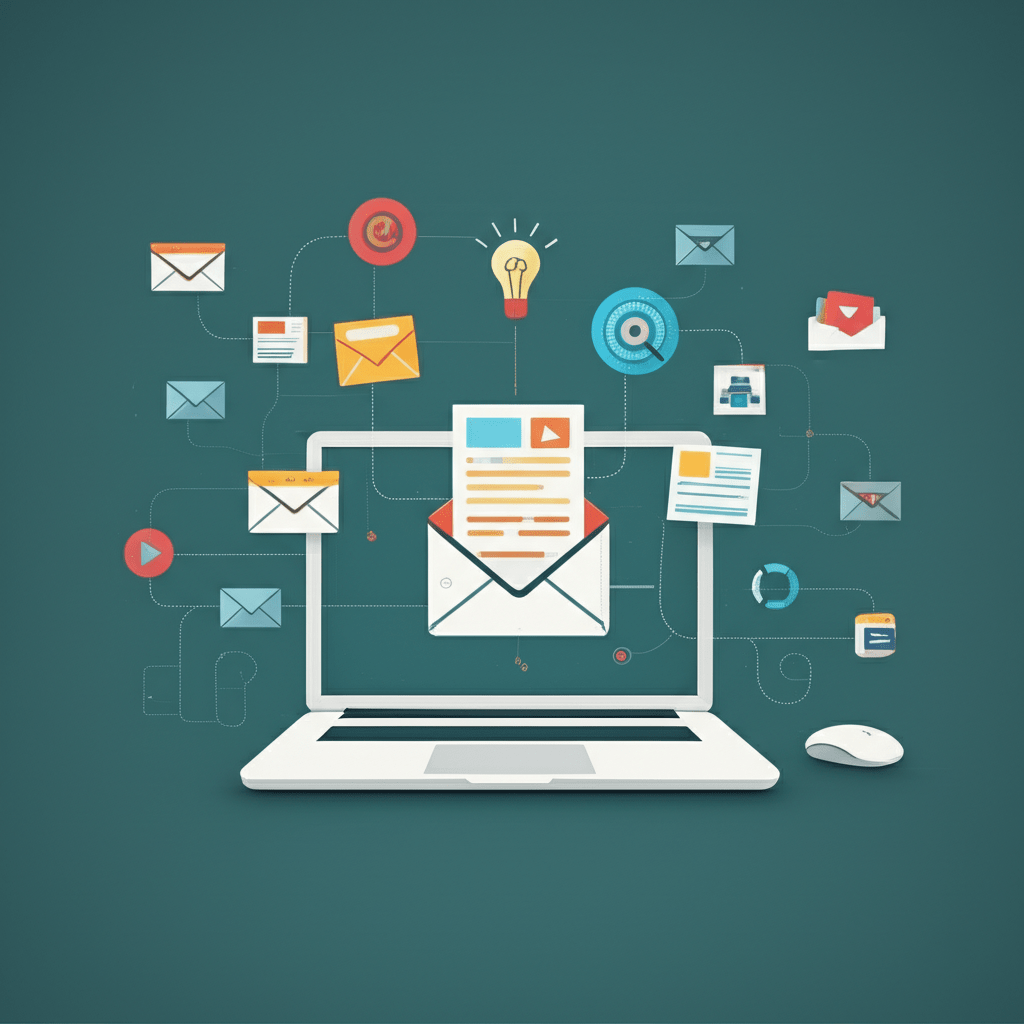

A customer visits your store, views three products, and leaves without buying. A generic newsletter may never reach that person at the right moment. AI email campaigns help you turn signals like browsing, purchases, and email engagement into timely, relevant messages. In this guide, you will learn how the technology works, where it can increase sales, how to avoid common mistakes, and how to build a practical campaign you can improve over time.
The goal is not to send more email. It is to make each message more useful. Artificial intelligence, or AI, is software that finds patterns in data and uses them to support decisions. In email marketing, that can mean choosing an audience, recommending content, predicting a send time, or identifying subscribers who need a different message.
What are AI email campaigns?
AI email campaigns use machine learning and customer data to improve email planning, content, timing, and follow-up. Machine learning is a method that allows software to find patterns in past data rather than follow only fixed instructions.
Traditional automation might send an email three days after someone joins a list. An AI-assisted workflow can consider whether that person opened the first message, visited a product page, bought something, or stopped engaging. It can then select a more suitable message or pause communication when another email would be unhelpful.
Think of ordinary automation as a train running on one track. AI adds switches that can direct different passengers to different destinations. The switches still need safe tracks, clear rules, and human oversight, but they make the journey more relevant.
Why AI email campaigns can increase sales
The strongest benefit is relevance. When an email reflects a subscriber’s real interest, the message has a better chance of earning attention and guiding a useful next step. AI does not guarantee a sale, but it can help your team make better decisions across a large customer list.
Personalized email campaigns at scale
Personalization means changing a message to fit the recipient. A weak version adds a first name to a standard email. A stronger version uses a subscriber’s chosen topic, recent product interest, purchase history, or preferred content to decide what appears in the message.
For example, a home goods retailer could show storage products to a subscriber who repeatedly reads organization guides. A software company could send setup tips to new customers and advanced workflow ideas to experienced users. Both examples use relevance, not guesswork about sensitive personal traits.
Better audience segmentation
Audience segmentation means dividing subscribers into groups with shared needs or behaviors. AI can help discover useful groups, such as first-time buyers, repeat customers, inactive subscribers, or people who browse without purchasing.
Dynamic segments can change as customer behavior changes. Someone who was a prospect yesterday may become a customer today, so the system should remove that person from acquisition messages and move them into an onboarding or customer-care journey.
Smarter timing and frequency
A message sent at the wrong time can be ignored even when the offer is relevant. AI can examine a subscriber’s past engagement and help choose a suitable delivery window. It can also help limit frequency so a person does not receive several overlapping promotions.
Timing is not only about opens. The better question is whether the timing supports the desired action, such as completing setup, returning to a product page, or using a service. Set a clear goal before letting a system optimize delivery.
Continuous testing
Testing compares meaningful variations, such as two subject lines or two calls to action. AI can help manage tests across segments and apply useful results more quickly, but it should not turn every small difference into a supposed breakthrough.
Keep the test focused. If you change the subject line, offer, image, and landing page at the same time, you may not know which change affected the result. Record the audience, goal, send period, and decision you made from the result.
How to build an effective AI email strategy
1. Start with a clean permission-based list
Good automation depends on good data. Before adding an AI feature, remove duplicate records, identify invalid addresses, honor unsubscribes, and confirm that each marketing contact has the appropriate permission for your audience and location.
Keep important fields understandable. A useful record might include the signup source, selected interests, customer status, recent engagement, and the date the information was last updated. Do not collect data simply because a platform can store it.
2. Define one business goal
Choose a goal that matches the customer journey. Examples include increasing first purchases, helping new customers complete setup, recovering a relevant cart, or bringing inactive subscribers back to useful content.
A campaign with one clear purpose is easier to write, test, and improve. It also reduces the temptation to place several unrelated offers in one message.
3. Create useful segments
Begin with simple groups that your team can explain. You might use:
- New subscribers who have not purchased.
- Customers who bought once and may need a related product.
- Repeat customers who respond to educational content.
- Subscribers who have stopped engaging with recent messages.
- People who viewed a product but did not complete checkout.
Use AI to identify patterns within these groups, not to replace your judgment. If the system creates a segment that nobody can explain, pause and investigate before sending to it.
4. Match content to the customer’s next step
Each email should answer a practical question: What would help this person now? A new subscriber may need a short welcome series. A recent buyer may need care instructions or setup guidance. A returning visitor may need a comparison guide instead of another discount.
Product recommendations should have a clear reason. If someone buys a camera, a memory card or protective case may be relevant. Showing unrelated high-margin products because they are popular can weaken trust.
5. Add safeguards and human review
AI-generated copy still needs an editor. Review claims, prices, product names, links, accessibility, tone, and personalization fields before a campaign goes live. Never allow a system to invent a purchase, interest, discount, or relationship that is not supported by your records.
Build fallbacks for missing data. A blank first name should produce a natural greeting, not an awkward label. A missing interest should show approved general content or exclude the subscriber from the message.
Practical walkthrough: an abandoned cart campaign
Imagine an online retailer selling running equipment. A visitor adds shoes to a cart, leaves the site, and has permission to receive marketing messages. The campaign can be helpful without becoming aggressive.
- Check eligibility: Confirm that the cart is still active, the email address is deliverable, and the person has not opted out.
- Choose the first message: Send a simple reminder that names the product and links back to the cart. Do not assume the person needs a discount.
- Add useful information: If the product has a sizing guide or fit explanation, include it. Removing uncertainty may be more helpful than cutting the price.
- Set a stop rule: Stop the sequence after purchase, opt-out, or a defined number of messages.
- Review results: Compare completed purchases, revenue, unsubscribes, and customer complaints rather than looking at opens alone.
A simple content decision might look like this:
if customer_purchased == true:
    stop_cart_sequence()
elif marketing_permission == false:
    do_not_send()
elif product_is_available == false:
    send_alternative_content()
else:
    send_cart_reminder()
This example is not a complete platform configuration. It shows the logic your marketing and technical teams should agree on before building the workflow.
Common mistakes to avoid
Using personalization without relevance
A first name is not a strategy. If the rest of the message is generic, the extra field can feel artificial. Personalize the problem, recommendation, or next step when you have a sound reason to do so.
Trusting predictions without checking them
A prediction is an estimate based on available data, not a fact about a person. A customer who browsed a premium product may be researching rather than ready to buy. Keep offers respectful and give people control over communication.
Sending too often
More messages create more chances to be ignored or unsubscribed. Set frequency limits across all campaigns, not just within one workflow. A subscriber should not receive a welcome email, promotion, cart reminder, and re-engagement message on the same day without a clear reason.
Ignoring privacy and data quality
Marketing rules differ by jurisdiction, so review the requirements that apply to your organization and audience. Collect only what you need, explain how it is used, protect access to customer data, and make unsubscribe requests easy to honor.
Optimizing for the wrong metric
High opens do not necessarily mean higher sales. Track the outcome that matters for the campaign, such as completed purchases, qualified leads, activation, or repeat use. Also watch negative signals, including unsubscribes, spam complaints, and support requests.
Choosing email automation and AI tools
The best platform is the one your team can operate safely and consistently. Make a short checklist before comparing vendors:
- Can it connect to your store, customer database, or website?
- Can you create segments from clear, explainable events?
- Can you set exclusions, frequency limits, and stop rules?
- Can editors review AI-assisted content before sending?
- Can you see campaign outcomes and export useful reports?
- Does it support access controls, data retention, and permission management?
Ask for a realistic demonstration using your workflow, not only a polished product tour. For example, test what happens when a customer purchases after entering a cart sequence, when an interest field is empty, and when someone unsubscribes from one communication category.
How to measure and improve results
Choose a small group of measures that fit your goal. For a sales campaign, you might track delivered messages, clicks, completed purchases, revenue, unsubscribe rate, and complaints. For onboarding, activation or completed setup may matter more than immediate revenue.
Use a control group when practical. A control group is a similar set of people who do not receive the new treatment, allowing you to compare outcomes more fairly. Even without a formal control group, document what changed and avoid claiming that every improvement came from AI.
Review campaigns on a regular schedule. Remove weak content, update product rules, check links, inspect failed personalization, and ask customer support what recipients found confusing. The most valuable improvement may be a clearer message, not a more complex model.
Frequently asked questions about AI email campaigns
How do AI email campaigns work?
They use customer data and past behavior to support decisions about audience, content, timing, and follow-up. The system may recommend an action, automate a rule, or predict which option is more likely to fit a segment.
Are AI email campaigns better than regular email automation?
Not automatically. AI can handle more signals and adapt to changing behavior, while simple automation is often easier to explain and control. Start with a clear workflow, then add AI where it solves a real problem.
Can small businesses use AI for email marketing?
Yes, but they do not need a complex system on day one. A small business can begin with welcome messages, customer segments, product recommendations, or cart reminders, then improve one workflow at a time.
How can I keep AI-generated emails accurate?
Use approved data, clear content rules, and human review for important claims. Test complete and incomplete customer records, confirm every link and offer, and stop the campaign when the underlying information is no longer reliable.
Turn better data into better customer conversations
AI email campaigns work best when they combine useful data with thoughtful marketing. The technology can help you find patterns, choose timing, and tailor content, but your team still decides what is appropriate, helpful, and trustworthy.
Your next step is simple: choose one workflow with a clear goal, audit the data it needs, add a fallback for missing information, and test one meaningful improvement. Start with a campaign your customers already expect, such as a welcome sequence or cart reminder, then measure the business result and the customer response before expanding.

Hi my family member I want to say that this post is awesome nice written and come with approximately all significant infos I would like to peer extra posts like this
Ahaa, its nice dialogue on the topic of this paragraph at this place at this webpage, I have read all that, so now me also commenting at this place.