
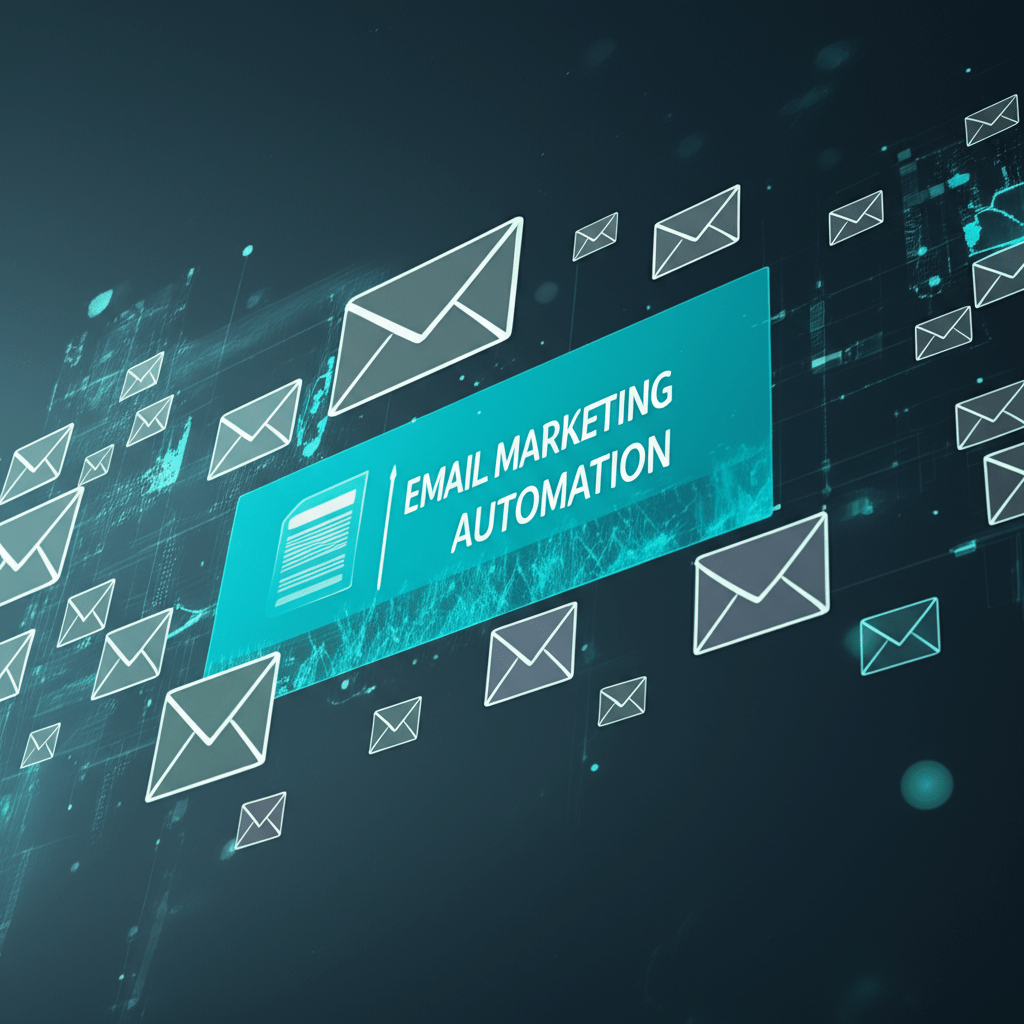

A new subscriber signs up while your team is offline, a shopper abandons a cart, or a customer needs help after a purchase. If every message depends on a person remembering to send it, valuable opportunities disappear. Email marketing automation helps you respond to these moments with timely, useful messages while your team focuses on higher-value work.
This guide explains how automated email workflows operate, why they matter in 2026, and how to build them without overwhelming subscribers. You will learn how to choose triggers, segment contacts, write helpful sequences, measure results, avoid common mistakes, and create a practical plan for your own business.
What Is Email Marketing Automation?
Email marketing automation is the use of software rules to send messages when a person takes an action, reaches a date, or matches a defined condition. Instead of exporting a list and sending every campaign manually, you create a workflow that responds to events such as a subscription, purchase, download, or period of inactivity.
Think of a workflow as a helpful assistant with a clear checklist. It watches for a qualifying event, checks whether the person is eligible, waits for the right amount of time, and sends the next message. A good system also stops when the customer completes the goal, unsubscribes, or no longer fits the audience.
A basic welcome journey might work like this:
- A visitor joins a newsletter through a consent-based form.
- The system sends a welcome message immediately.
- After two days, it sends a useful guide related to the signup topic.
- After another few days, it invites the subscriber to choose preferences or contact the business.
- The journey ends when the subscriber becomes a customer or leaves the list.
This approach is different from sending the same newsletter to everyone. The timing and content reflect what each person has done, while the rules keep the experience consistent.
Why Automated Email Workflows Matter in 2026
The main advantage is relevance. People are more likely to notice a message that answers a recent question or supports an action they just took than a generic promotion sent without context. Automation helps a small marketing team deliver that relevance repeatedly.
Personalization without manual busywork
Personalization does not require inserting a first name into every subject line. It can mean showing different advice to a new subscriber, a recent buyer, and a long-term customer. Useful signals include a person’s chosen interests, product category, purchase status, or level of engagement.
For example, a software company could send a setup checklist to a new account, an advanced feature tutorial to an active user, and a support invitation to someone who has not completed setup. Each person receives a more useful next step without the team building three separate lists every morning.
A smoother customer journey
Automated email workflows connect stages that are often handled separately. A lead can receive education before a sales conversation, a buyer can get delivery and setup guidance, and an existing customer can receive maintenance tips or renewal reminders.
The result should not be more email for its own sake. The goal is fewer gaps, fewer irrelevant reminders, and clearer support at important moments.
Better use of team time
Recurring tasks such as welcome messages, event reminders, abandoned-cart follow-ups, and review requests can consume hours when managed manually. Once the rules and content are tested, automation takes care of the routine work. Your team can then spend more time on strategy, customer research, and creative campaigns.
Core Features to Look For
Different platforms use different names, but most useful systems include a similar set of capabilities. Focus on whether each feature supports a clear customer need rather than choosing a tool because it has the longest feature list.
- Triggers: Start a journey when someone subscribes, submits a form, completes a purchase, visits a page, or reaches a chosen date.
- Audience segmentation: Group contacts by consent status, interests, behavior, customer stage, location, or purchase history.
- Conditional logic: Send different messages based on whether a person clicked, purchased, replied, or completed another action.
- Delays and schedules: Control whether the next message arrives immediately, after a number of days, or at a suitable local time.
- Analytics: Review delivery, clicks, conversions, unsubscribes, complaints, and revenue where reliable attribution is available.
- Integrations: Connect the email system with your website, customer relationship management platform, store, event tool, or help desk.
- Suppression controls: Prevent marketing messages after an unsubscribe, purchase, support resolution, or other exit event.
Integration quality matters more than a long list of connections. If your store cannot reliably tell the email platform that an order is complete, a customer may continue receiving abandoned-cart reminders after buying. That is both confusing and avoidable.
How to Build a Reliable Automation Strategy
Start with one customer problem and one measurable outcome. A narrow first workflow is easier to test and improve than a large network of journeys built all at once.
1. Choose the business goal
Decide whether the workflow should help new leads understand an offer, help customers use a product, recover a stalled purchase, or retain existing buyers. Write the intended action in one sentence, such as “New subscribers receive enough guidance to choose a relevant consultation.”
2. Define entry and exit rules
Document exactly who can enter, what starts the journey, and what removes someone from it. An entry rule could be a confirmed newsletter subscription. Exit rules might include a purchase, an unsubscribe, a support escalation, or a change in eligibility.
These rules protect the customer experience. They also make troubleshooting easier because you can see why a person entered, advanced, paused, or left.
3. Map the shortest useful path
Draw the journey before writing the emails. List the event, waiting period, message, decision point, and next action. Avoid adding a message simply because the platform allows it. Every email should answer a question, remove friction, or offer a relevant next step.
4. Write for the moment
A welcome email should orient the reader, not deliver your entire company history. A post-purchase email should help the customer get value from the product, not immediately push an unrelated sale. Keep one main call to action and make it clear what happens after the click.
5. Test the whole journey
Use a test contact and check the sequence from beginning to end. Test duplicate events, missing data, a completed goal, an unsubscribe, and a failed integration. Confirm that links work, personalization fields have fallback text, and messages look usable on both a phone and a desktop.
Three Practical Examples of Automated Email Workflows
Example 1: A local service business
A home maintenance company receives a quote request through its website. The first message confirms receipt and explains when a response is expected. If the person has not booked an appointment after two days, a second email answers common preparation questions. Once an appointment is booked, the reminder path stops and the customer receives scheduling information instead.
The important design choice is the exit condition. Without it, the person could receive booking prompts after already choosing a time.
Example 2: An online retailer
A clothing retailer can create a post-purchase sequence based on the order status. One message provides delivery information, another shares care guidance, and a later message invites feedback after a reasonable period. The workflow should exclude canceled orders and suppress promotional content if the customer has opted out.
For a retailer serving both the United States and Europe, use the customer’s stored location and consent records carefully. Do not assume that one timing, language, or promotional rule fits every market.
Example 3: A software company
A project management app can send a short onboarding series to a new account. The first message explains the initial setup, the second demonstrates how to invite teammates, and the third points to help resources. If the account completes setup early, the workflow can move to advanced tips rather than repeating beginner instructions.
This is a good use of behavioral segmentation: the next message depends on what the customer has done, not only on when the account was created.
Measure Performance Without Chasing Vanity Metrics
Open rates can provide directional insight, but they do not tell the whole story. Privacy features, mailbox behavior, and image loading can affect how opens are recorded. Treat clicks, completed actions, replies, purchases, unsubscribes, and complaints as important parts of the wider picture.
Choose a primary measure for each workflow:
- Welcome journey: completion of the intended first action, such as selecting preferences or visiting a key resource.
- Abandoned-cart journey: completed orders attributed within a defined measurement window.
- Onboarding journey: activation or completion of a meaningful product action.
- Retention journey: repeat purchase, renewal, or continued product use.
Change one important variable at a time when possible. You might test a shorter subject line, a different call to action, or a longer delay. Record the test period and audience so that a result is not mistaken for a permanent truth.
Common Mistakes That Reduce Results
Most automation problems come from weak planning rather than from the software itself.
- Sending too often: A sequence that solves one problem can become unwanted noise when it continues after the customer has taken action.
- Using weak data: If a field is incomplete or inaccurate, personalization can look careless. Use fallback text and collect only information you can maintain.
- Ignoring consent: Keep permission records, honor unsubscribes promptly, and review the rules that apply to your audience and markets. When in doubt, ask qualified legal counsel to review your process.
- Building complicated branches too soon: Start with a simple path. Add conditions only when they solve a demonstrated customer or measurement problem.
- Failing to recover from errors: A temporary integration failure should not silently create duplicate sends or leave a customer stuck. Log failures, notify an owner, and provide a safe retry process.
- Leaving old campaigns running: Review active journeys regularly. Retire messages that no longer match your offer, product, pricing, or policies.
A helpful rule is to treat every automated journey like a small product. Give it an owner, a purpose, a test plan, and a review date.
Privacy, Deliverability, and Responsible Personalization
Effective automation depends on trust. Collect permission through clear forms, explain what subscribers will receive, and make the unsubscribe option easy to find. Store only the data you need, protect it, and make sure your team understands who can access it.
Deliverability means helping legitimate messages reach the inbox rather than the spam folder. Use a recognizable sender, a clear subject line, valid links, accurate records, and a healthy sending process. Remove or re-engage persistently inactive contacts according to your policy instead of repeatedly sending to everyone.
Personalization should be helpful, not unsettling. A message can recommend a relevant guide without revealing every page someone viewed. Use behavior to improve assistance, and be transparent about data practices in your privacy information.
Frequently Asked Questions About Email Marketing Automation
What is the best first automation for a small business?
A welcome sequence is often a practical starting point because the trigger is clear and the content can be useful to almost every new subscriber. Keep it short, explain what the reader can expect, and include one meaningful next step.
How many emails should an automated sequence include?
There is no universal number. Use enough messages to answer the customer’s likely questions, then stop when the goal is reached or the person becomes inactive. A focused sequence is better than a long one that repeats itself.
Can automation replace a marketing team?
No. Automation handles repeatable rules, but people still need to choose the strategy, write useful content, review results, and handle unusual situations. Think of it as a reliable operating system for routine communication, not a substitute for judgment.
How do I prevent duplicate or irrelevant emails?
Use clear entry and exit conditions, deduplicate events, suppress contacts after key actions, and test interruptions before launch. Monitor failed jobs and keep an owner responsible for pausing or correcting a journey.
Make Your Next Step Practical
Email marketing automation works best when it is built around a real customer moment: a signup, a purchase, a question, or a missed step. Begin with one workflow, define its goal and exit conditions, write concise messages, and test the path with real scenarios before sending it to your full audience.
For your next step, choose one repetitive customer interaction and map it on paper today. Then create the smallest safe workflow that supports it, review its performance after launch, and improve it using evidence rather than assumptions.
For more ideas, explore our guides on automation tools for email marketing and AI-powered email campaigns.
I just wanted to express my gratitude for the valuable insights you provide through your blog. Your expertise shines through in every word, and I’m grateful for the opportunity to learn from you.