
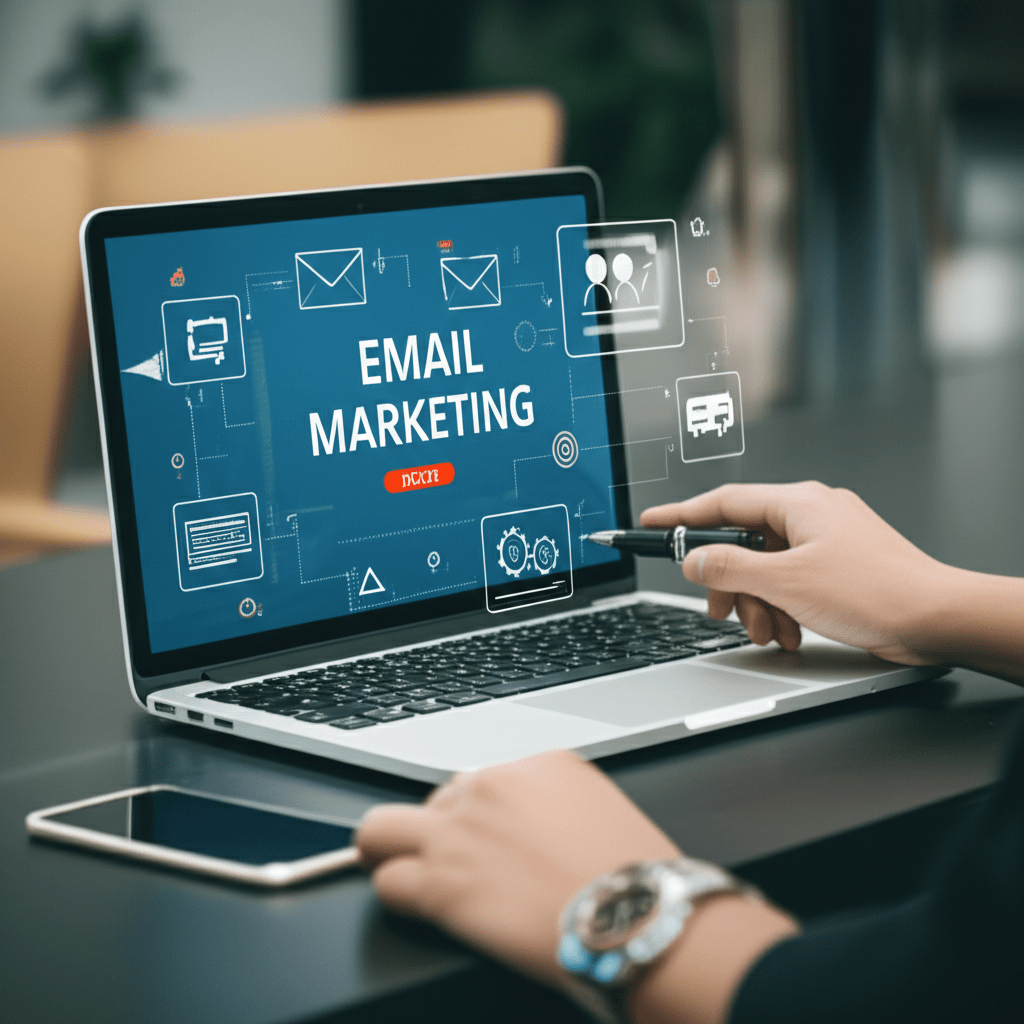

A campaign can reach thousands of subscribers and still waste money if the message arrives at the wrong time, on the wrong device, or with no clear next step. This guide explains how to improve email marketing ROI through useful segmentation, relevant content, automation, testing, and accurate measurement. You will also see practical examples, common mistakes, and a simple plan for improving your next campaign.
Email works best when you treat it as a customer experience rather than a batch of advertisements. The goal is not to send more messages. It is to send fewer, more helpful messages to people who have given you permission to contact them.
What drives email marketing ROI?
Email marketing ROI is shaped by four connected factors: the quality of your audience, the usefulness of your offer, the cost of reaching people, and the way you measure results. A large list does not automatically create strong returns. An engaged, well-managed list can be more valuable than a much larger list filled with inactive or poorly matched contacts.
Email also gives you more control than many rented channels. You decide what to send, when to send it, and which subscribers should receive it. That control does not remove the need for good strategy, but it lets you build a repeatable customer journey instead of relying on one-off promotions.
Think of your email program as a helpful store assistant. The assistant remembers what a customer viewed, answers common questions, points out a relevant product, and knows when to stop talking. A good campaign does the same through useful content and timely messages.
Start with email segmentation
Email segmentation means dividing a subscriber list into groups that share a meaningful trait or behavior. Instead of sending every person the same message, you adjust the content to match their needs, interests, location, purchase history, or stage in the buying process.
Start with information you can explain and use responsibly. Useful groups might include new subscribers, repeat customers, people who have viewed a particular product category, or contacts who have not engaged recently. Avoid creating segments simply because your platform offers many data fields.
Useful segments for a small business
- New subscribers: People who need an introduction to your business, products, and email schedule.
- Prospects: Contacts who have shown interest but have not purchased.
- First-time customers: Buyers who may need setup help, delivery information, or product education.
- Repeat customers: People who may respond to replenishment reminders or related products.
- Inactive subscribers: Contacts who need a useful re-engagement message or an easy way to leave the list.
For example, an online stationery shop could send a new-subscriber guide to one group, refill reminders to customers who buy notebooks regularly, and project ideas to people who browse craft supplies. The products may come from the same catalog, but the reason to open the message is different for each group.
Use a segment only when it changes the message or the timing. If two groups receive identical content, combining them may simplify your workflow and reduce maintenance.
Use behavioral automation at the right moments
Behavioral automation sends a message after a defined action or period of inactivity. It helps your team respond consistently without asking someone to create every email by hand. Automation is most useful when the message answers a clear customer need.
Workflows worth considering
- Welcome series: Confirm the subscription, explain what subscribers will receive, and share a useful starting resource.
- Abandoned-cart reminder: Remind a shopper about an unfinished purchase while the product is still relevant.
- Post-purchase message: Provide delivery guidance, setup tips, care instructions, or customer support details.
- Product education: Help a customer use a product before suggesting an associated item.
- Re-engagement series: Ask inactive subscribers whether they still want your messages and make opting out simple.
Consider a software training company as an example. A person who downloads a beginner guide might receive the guide immediately, a practical lesson a few days later, and an invitation to a relevant course after showing continued interest. The sequence feels useful because each message follows the person’s likely next question.
Set an exit rule for every workflow. A customer who has already purchased should not continue receiving an abandoned-cart reminder, and someone who unsubscribes must be removed from promotional messages. Check these rules whenever you change a form, product, or customer data connection.
Write subject lines that set honest expectations
A subject line earns attention by making the value of the email clear. It should match what readers find after they open the message. Curiosity can help, but vague claims, excessive punctuation, and artificial urgency can reduce trust.
Pair the subject line with a preheader, which is the short preview text shown beside or below the subject in many inboxes. The two elements should work together rather than repeat the same words.
Simple subject-line patterns
- Benefit: “Plan next week’s meals in less time”
- Useful reminder: “Your equipment checklist is ready”
- Personal relevance: “Ideas for your spring garden project”
- Clear offer: “Save on replacement filters this week”
- Helpful update: “Three ways to get more from your new account”
For instance, a weak subject line for a bicycle shop might say “Big news inside!!!” A stronger version could say “Choose the right lights for evening rides.” The second option tells the reader what they will gain and attracts people with a relevant need.
Keep the body focused on one main action. If you want someone to read a guide, book a consultation, and browse five product categories, the email may feel scattered. Put the primary call to action first, then include secondary links only when they support the same goal.
Design for mobile email use
Mobile email design should make the message easy to read and tap on a small screen. Use a clean single-column layout, readable text, short paragraphs, generous spacing, and a button that is easy to select without precise finger movement.
Do not make the email depend on images alone. Some inboxes block images, and readers may use accessibility tools or limited data connections. Add descriptive alternative text where your email platform supports it, and make sure the main point remains understandable without decorative graphics.
Pre-send design checklist
- Read the email on a phone before sending it.
- Check that the first screen explains why the message matters.
- Confirm that buttons and links are easy to tap.
- Review the message with images disabled.
- Test the destination page on a phone, not just the email itself.
- Check that the unsubscribe link and sender information are visible and usable.
Imagine a local outdoor retailer promoting a winter jacket. A desktop layout with three narrow product columns may look polished, but those columns can become difficult to scan on a phone. A single product image, two short benefits, and one clear “View jacket details” button will usually create a more direct path to action.
Test one meaningful change at a time
Testing turns opinions into evidence. In an A/B test, one group receives version A and another group receives version B, with one main difference between them. You then compare a suitable outcome, such as clicks, completed purchases, registrations, or qualified replies.
Test the part of the email that is most likely to affect your goal. You might compare two subject lines when your problem is low opens, or two calls to action when people open but rarely click. Changing the subject, layout, offer, images, and send time at once makes the result difficult to interpret.
For example, a nonprofit could test “Help stock the community pantry” against “Your gift can support pantry supplies.” If the goal is donations, the organization should compare completed donations rather than choosing a winner based only on opens. A subject line that attracts attention but leads to fewer completed actions may not be the better business choice.
Record the test question, audience, versions, send date, primary metric, and result. If the audience is small or the difference is slight, describe the outcome cautiously. One campaign can guide your next test, but it may not prove a permanent rule.
Measure email marketing ROI with clear inputs
Measure email marketing ROI using a consistent definition of value and cost. A simple calculation is: (attributable value minus campaign cost) divided by campaign cost. If a campaign produces $1,500 in attributable revenue and costs $500, the calculation is ($1,500 – $500) / $500, or 200%.
That example is only useful if the inputs are defined. Decide whether value means revenue, gross profit, contribution margin, registrations, or another outcome. Also decide which costs belong in the calculation, such as email software, creative work, delivery, staff time, discounts, and refunds.
| Item | Question to answer |
|---|---|
| Attribution window | How long after the email can an action be connected to the campaign? |
| Value | Are you measuring revenue, profit, margin, or a non-sales outcome? |
| Cost | Which software, production, delivery, and offer costs are included? |
| Comparison | What happened in similar campaigns or among people who did not receive the message? |
Track supporting measures as well. Delivery failures can reveal list-quality problems, clicks can show whether the content creates interest, and completed actions connect engagement to business value. Opens can provide context, but they should not be the only measure of success because tracking conditions vary across inboxes and devices.
A useful email marketing ROI report should show the campaign goal, audience, cost, value, attribution method, and limitations. This makes the report easier to compare over time and reduces the chance of presenting an impressive number without explaining how it was produced.
Protect trust with permission-based marketing
Permission-based marketing means contacting people who agreed to receive the type of messages you send. Make the sign-up promise clear, collect only the information you need, and provide a straightforward way to unsubscribe from every promotional email.
Businesses serving people in different regions should review the rules that apply to their activities, including privacy and email marketing requirements in the United States, Canada, and Europe. The details can depend on your location, audience, industry, and message type, so obtain appropriate legal advice when the situation is complex.
Good list hygiene supports both trust and performance. Remove invalid addresses, suppress unsubscribed contacts, and avoid buying lists. A purchased list may contain people who never agreed to hear from you, which can lead to complaints and poor engagement.
Be equally careful with personalization. Using a customer’s name or past purchase can feel helpful when it is expected, but excessive references to private behavior can feel intrusive. Explain your value clearly and give people sensible choices about the messages they receive.
Build a practical campaign improvement plan
You do not need to rebuild your entire email program at once. Use a short review process that identifies the biggest opportunity and turns it into a manageable test.
- Choose one business goal. Select a goal such as completed purchases, booked appointments, renewals, or qualified leads.
- Review the audience. Look for inactive contacts, unclear sign-up sources, and groups that receive irrelevant messages.
- Improve one customer journey. Start with a welcome, post-purchase, or abandoned-cart workflow that has a clear purpose.
- Rewrite one campaign. Use a direct subject line, one primary action, short copy, and a mobile-friendly layout.
- Test one variable. Write down the question before sending and select the metric that answers it.
- Document the result. Record costs, value, audience, timing, and any limits in the comparison.
As a mini case study, consider a small online tea business with a welcome email that only says “Thanks for joining.” The owner could replace it with a short welcome series: a guide to choosing a tea, brewing instructions, and a first-order offer. The business can then compare completed first purchases and unsubscribe activity, rather than assuming the offer worked because people opened the messages.
Review the plan after each campaign cycle. Keep changes that improve the chosen outcome without harming complaints, unsubscribes, delivery, or customer satisfaction. If a change fails, treat it as information about the audience and refine the next attempt.
Frequently asked questions about email marketing
How often should a business send marketing emails?
There is no single schedule that fits every audience. Set expectations at sign-up, send when you have something useful to say, and watch engagement, complaints, and unsubscribes for signs that the schedule needs adjusting.
What is the best email marketing metric to track?
Track the metric that matches the campaign goal. A sales campaign should connect clicks to completed purchases and value, while an educational message may focus on useful engagement or a later action.
Does personalization improve email results?
Relevant personalization can make a message more useful, but adding a first name alone does not guarantee better results. Use accurate data to change the content, timing, or recommendation in a way that helps the reader.
How can a small business improve email campaigns?
Start with a clean permission-based list, one clear audience segment, and one automated journey. Then improve the subject line, mobile experience, call to action, and measurement one step at a time.
Turn better email habits into stronger returns
Strong email marketing is built through relevance, timing, trust, and disciplined measurement. Segment people when it improves the message, automate useful moments, design for mobile readers, test one meaningful change, and calculate results from your own costs and outcomes.
Treat email marketing ROI as a decision tool, not a headline number. Before your next send, choose one audience, one goal, and one improvement to test. Then record what happened and use that evidence to plan the next campaign.
Your blog is a testament to your passion for your subject matter. Your enthusiasm is infectious, and it’s clear that you put your heart and soul into every post. Keep up the fantastic work!